


iOS app · Logic game
Solve rectangle puzzles. Discover a world of animals.
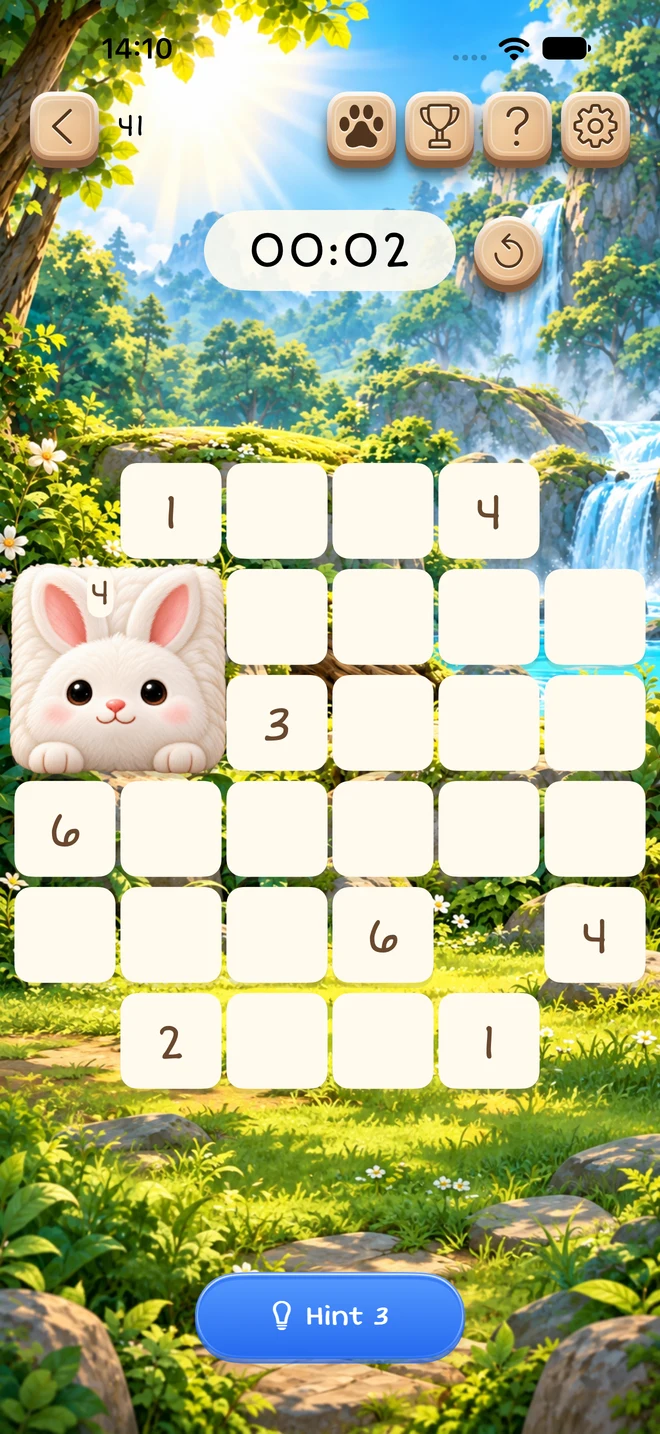
Divide each board into rectangles, matching each rectangle to one number. Progress through 400 puzzles and discover 25 animals across five habitats.

- iPhone · Dynamic Island
- Duo layout
- iPad
HIGHLIGHTS
Gentle logic, a new discovery every day.
Start with the free journey. Unlock the remaining puzzles with a one-time in-app purchase. No subscription.
- 400 puzzles bundled with the app
- Progress saved on your device
- 25 collectible animals across 5 habitats
SHIKAKU PUZZLE - WILD
Information & support
These pages explain how the app handles data, its terms of use, and where to get help.
Frequently asked questions
Is the full game a one-time purchase or a subscription?
The Full Journey unlock is a one-time, non-consumable in-app purchase. It does not renew automatically. You can play the free portion before deciding to unlock the remaining journey.
I already paid. How do I restore my purchase?
Use Restore Purchases in the app while signed in to the Apple Account used for the original purchase. Connect to the internet and allow the restore to finish. If access stays locked, restart the app and contact support with the issue details before attempting another purchase.
How do I request a refund?
For purchases billed by Apple, sign in to reportaproblem.apple.com with the purchasing Apple Account, select the refund option, choose a reason and the purchase, then submit. Apple reviews eligibility under its rules and applicable consumer rights. Leminox Studio cannot approve or issue Apple refunds directly.
My purchase is pending, cancelled or failed. What should I do?
If it is pending, wait for Apple’s confirmation or any required purchase approval. If you cancelled or the payment failed, paid access has not been confirmed. Check your Apple purchase history and payment settings. Avoid repeated purchase attempts when the outcome is unclear; contact support if you were charged but access remains locked.
Will restoring purchases also recover my puzzle progress?
No. Restore Purchases checks eligible paid access. Puzzle progress is saved locally on your device, and the app does not offer a developer-operated cloud save service. Deleting the app may remove local progress. Any device backup recovery depends on your Apple backup settings.
Can I play offline?
Bundled puzzles can be played offline. Purchasing, restoring access and checking purchase status can require an internet connection. Email support also requires a working email application and connectivity to send your message.
What should I include when contacting support?
Use the Email support button on the Support page’s contact section. Describe what happened and include your app version, device model, iOS version and relevant screenshots. For a purchase issue, include a transaction reference if available. Never send passwords, full payment card details or Apple Account verification codes.